How to tell if your iPhone has been hacked as more than a billion users at risk

If you're an iPhone user, there's a good chance your device could be at risk of hacking or malicious spyware.
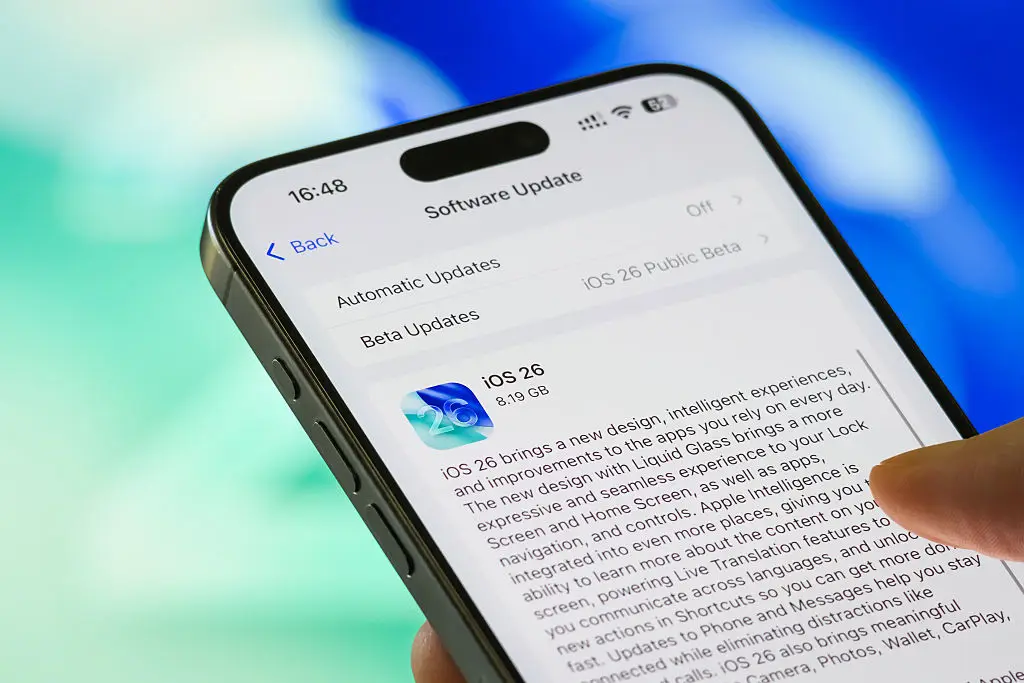
That's because Apple has just issued two new fixes for security holes in its WebKit browser engine that's being used to hack into people's devices — but you can only get the protections if your iPhone has installed any of the iOS 26 software updates.
Alarmingly, only 4.6 percent of iPhone users are said to have installed the most recent update of iOS 26.2, which came out last month, with just 16 percent of users having any form of iOS 26 at all. That means more than a billion iPhone users all over the world are leaving themselves at risk of having their devices hacked.
So, let this be your warning to not only install the latest software, but to then turn your phone off and on again, which will allow your phone to clear out any malware that's hiding in the device's memory.
Advert
And don't worry, if you think your device may have already been compromised, we've got your back.
How to tell if your iPhone has been hacked
According to Trend Micro, there are five signs your iPhone may have been hacked, starting with the appearance of lots of pop ups and advertisements. Hackers could have installed malicious software on your device that causes these pop ups to appear out of the blue.
Meanwhile, if you spot any apps on your phone that you are unfamiliar with or you didn't install yourself, this could mean someone has infiltrated your iPhone.
Next up, we all know the iPhone battery can be impacted by a number of things, like how old your device is, or whether you've installed the latest software, but if your phone suddenly starts draining much faster than before, that could be a red flag.
That's because your battery may be going down more quickly, or your apps could be slower, because of malware running in the background without your knowledge.
If you start receiving weird text messages or phone calls from unknown sources, this could also suggest your device has been compromised, when it is seen alongside the other points. However, don't be alarmed if you start receiving spam calls as this can happen to anyone.
And last but not least, if you notice your data usage has suddenly increased but you don't know why, this could be a hint there are viruses or unknown apps being used in the background.
What to do if your iPhone has been hacked
Okay, so now we know what we're looking for, what do we actually do if we suspect our iPhone has been hacked?
The first step is to change all your passwords, particularly any relating to email and bank accounts. Then you need to go through all your apps and remove any you don't trust or recognise.
You should also have Find My iPhone turned on as this allows you to remotely lock or erase your device if it is needed.
As we touched on earlier, it's essential you keep your iPhone up to date with the latest iOS software to make sure your device is up to date so you have access to all the latest security patches.
Another important step is to use a reliable VPN to protect your online security and finally, be careful when using public Wi-Fi as these networks can be unsecure.
Topics: Technology, iPhone, Apple
 Emma Rosemurgey