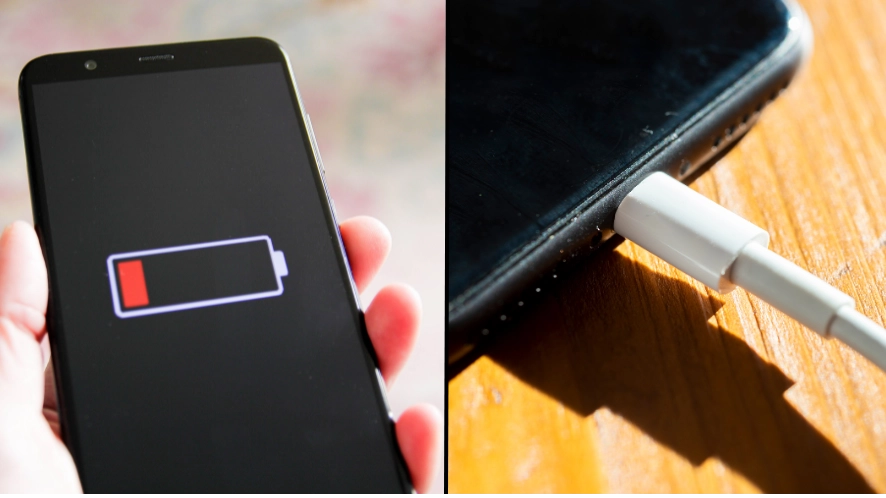
Hidden 'vampire' setting is secretly draining iPhone user's battery

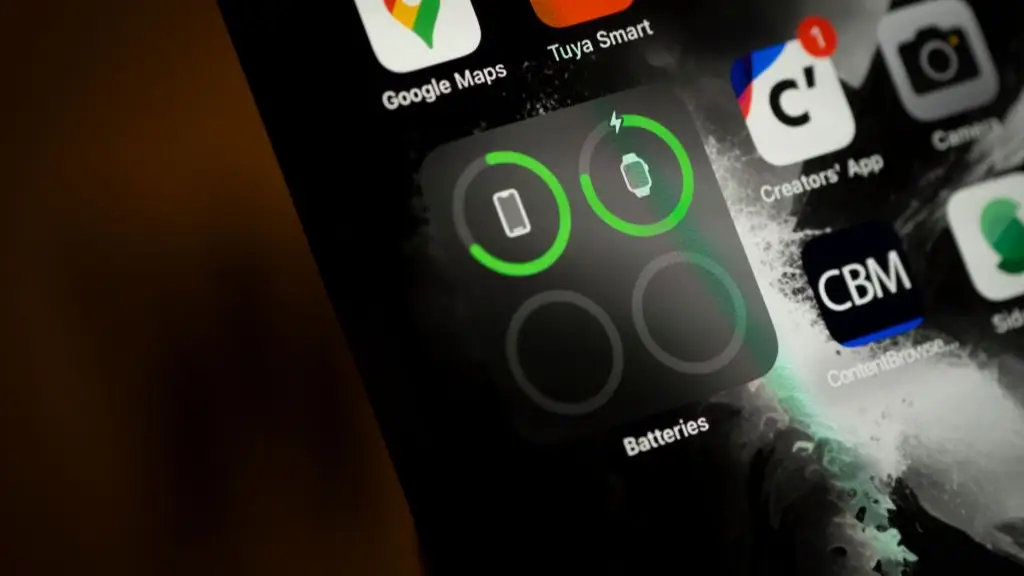
iPhone users are becoming aware of a hidden feature which could be draining the battery faster than usual, but fortunately there is a way to turn off this 'vampire' setting.
In a world where we are massively reliant on our phones, few things are more frustrating than your battery dying on you.
It's not just about being able to contact people, but also using payment cards, calendars, authentication - when you use one device for everything you want the battery to last as long as possible, and while power banks are useful they can be bulky and annoying to carry round.
Advert
While phone battery life can depend on a lot of factors, switching off the setting called 'Wi-Fi assist' could be the difference between having that final precious percentage to be able to get that taxi home, and having to walk.
Wi-Fi assist uses your phone's mobile data to fill in the gaps when your Wi-Fi signal is patchy to help maintain a smooth connection.
Apple's website says: "For example, if you're using Safari with a poor Wi-Fi connection and a webpage doesn't load, Wi-Fi Assist will activate and automatically switch to cellular so that the webpage continues to load."
Of course this is a helpful feature, as waiting for pages to load up can be frustrating, but it can have two impacts on your phone.
The first, as we've mentioned, is that it affects battery life on your device, but there is also another one.
This is that having the setting switched on can mean that you unknowingly plough through your precious data, even when you thought you were safely ensconced on a Wi-Fi network.
While that's not so bad for answering texts or emails, scrolling on video apps TikTok or Instagram reels or making a video call could quickly burn through a lot of data.
There is some good news, though. Fortunately there is a way to switch off Wi-Fi Assist if you want to prolong your phone's battery.
Be warned however, there is a trade off in that if your Wi-Fi gets patchy then you'll just have to deal with it.
It's not too difficult to switch off the settings.
Firstly, you need to go into the main settings page on your iPhone, where all the important bits are.
From there go into the tab marked 'mobile data'. Once you're there, scroll down on the page. You may have to scroll all the way down past the apps which are using data.
You should then see the switch saying 'Wi-Fi Assist'. You can then turn that off.
Bear in mind that this could mean you experience a bit more lag when your Wi-Fi has an interrupted connection. However, it will help to make your phone's battery last longer.
You'll also avoid Wi-Fi Assist sneakily using up a large proportion of your precious data when you think you're safely on a Wi-Fi network. Turning it off can help you to use less of your data plan as when you're on Wi-Fi it won't switch on without you realising.
The more you know.
Topics: Apple, Technology, iPhone, News
 Kit Roberts