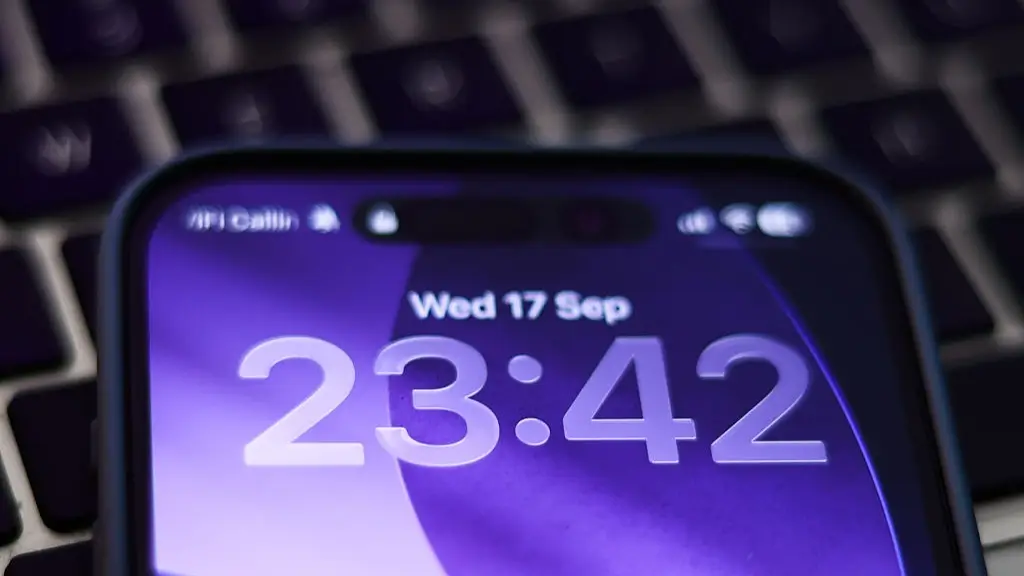
Startling truth behind little green and orange dot that appears on your iPhone

If you see a little orange or green dot at the top of your iPhone screen, there is a perfectly logical explanation for it – and it’s not that you’re being watched.
It’s easy to believe that you’re being spied on by some mysterious hacker across the country when you see certain stories online.
However, when it comes to your Apple product, if you see these two colours, it’s just a simple a privacy flag. Let me explain.
Of course, the Steve Jobs created brand is no stranger to hacks, as Apple has just issued two new fixes for security holes in its WebKit browser engine, but they typically get those things sorted pronto and make sure the iPhone is in tip top shape.
Advert
When Apple updates its iOS features, usually they add enhanced privacy, which all ties in to those strange orange or green lights you sometimes see in the top right corner of your screen.
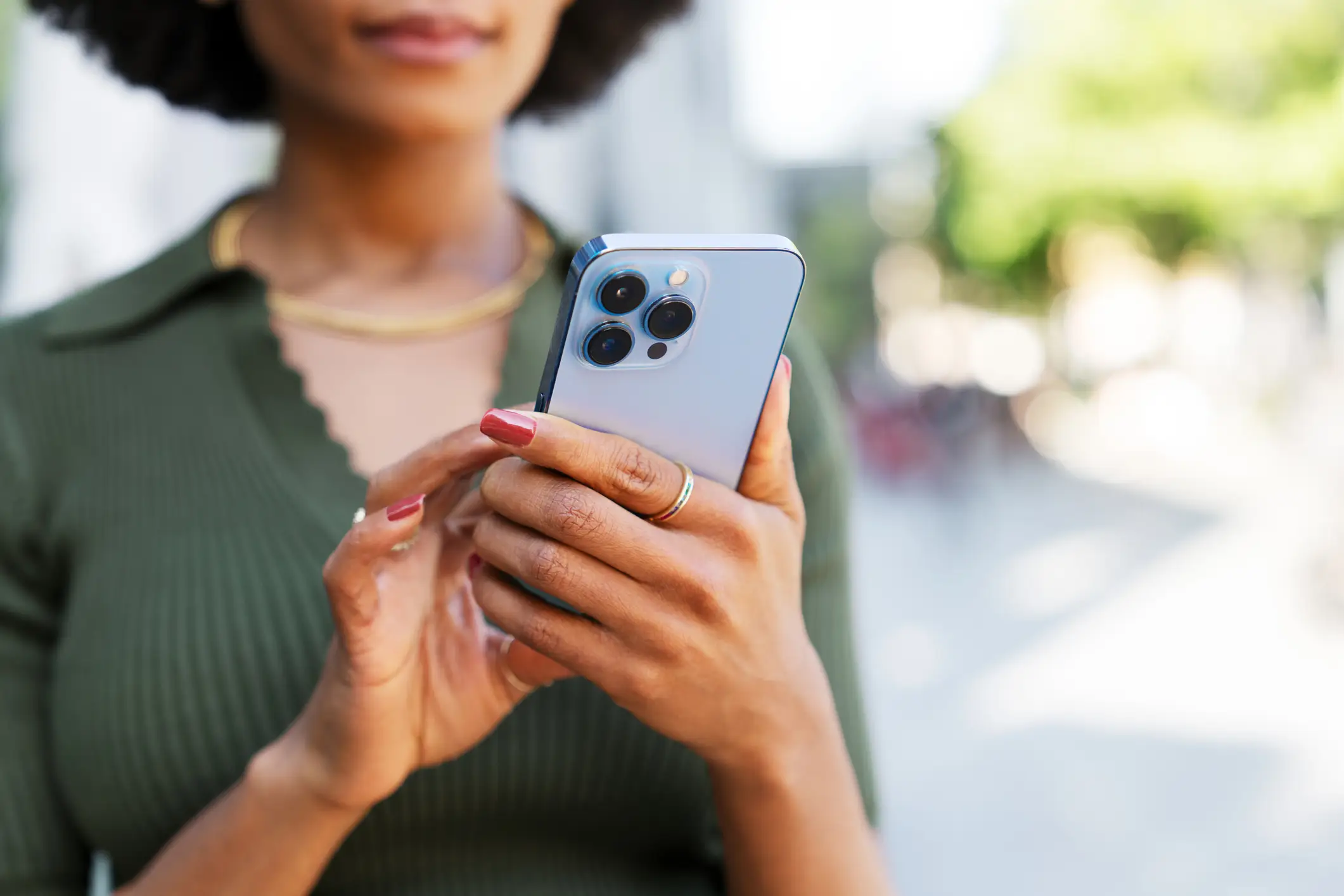
When it comes to the iOS 14 and later updates, Apple created a way to tell you when an app is using either your microphone, or your camera.
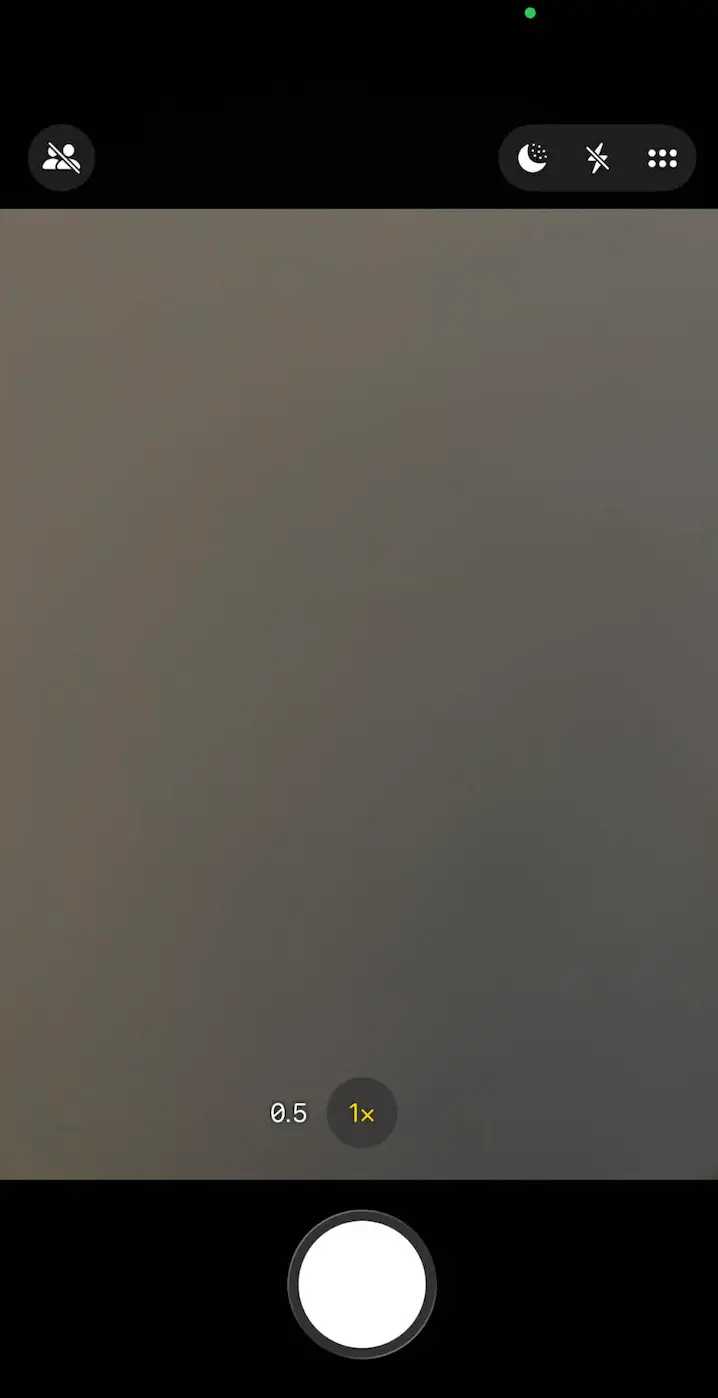
If you click on your camera app, you’ll see that a light flash (likely to be green) that signals your camera is in use.
Obviously, when you’re not actively using an app for these purposes, seeing the lights can be worrying, but generally, it’s nothing nefarious. It could even be that you’ve quickly stumbled into a live stream, and it has set off access to your camera.
According to tech support company, Asurion, the orange dot is typically flagging that the microphone is in use, which could be the Voice Memos app being activated.
Then, a green dot signals your camera is on, or both the camera and microphone if you were to activate a video call with someone.
To be sure, click on the Control Center on your phone, where you’ll see the app name in use at the top.
Apple’s built-in privacy protections like the control Center can be accessed on your smartphone in a couple of ways.
For example, if you have an iPhone with Face ID, you’ll have to swipe down from the top-right corner to find it.
If not, you can swipe up from the bottom of the Home Button.
Once there, it’ll give you details of what’s in use and what app is responsible for triggering the lights.
Thankfully, you can change access permissions per app, like whether an app can make calls, take pictures, or record memos.
To do this, open Settings and click Privacy & Security, then you can select Camera or Microphone, and slide the toggle next to each app to give or take away permissions.
Topics: Apple, iPhone, Technology
 Britt Jones