How to find your PlayStation Wrap-Up as 2025 recap is here

First Spotify, then YouTube and Discord and now, Sony has launched its 2025 PlayStation Wrap-Up to round up this year's gaming habits.
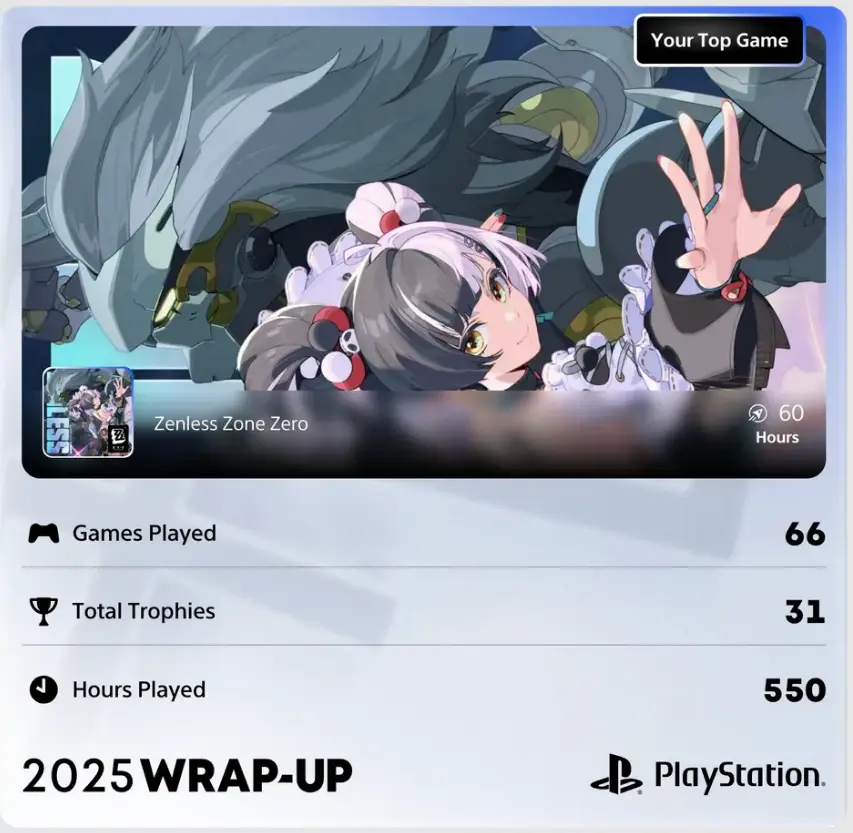
The Wrap-Up, which first came about in 2017, will tell you how many hours you spent on your PlayStation 4 or 5, which games you spent the most time on, your preferred genres, your trophy count and so much more.
Unfortunately, it won't tell you how many hours you've spent waiting for GTA 6 to come out, but that's another story.
And, just in case you want to show off about the 6,872 hours you spent on FIFA, you can even share your results in the form of a digital card posted to social media.
Advert
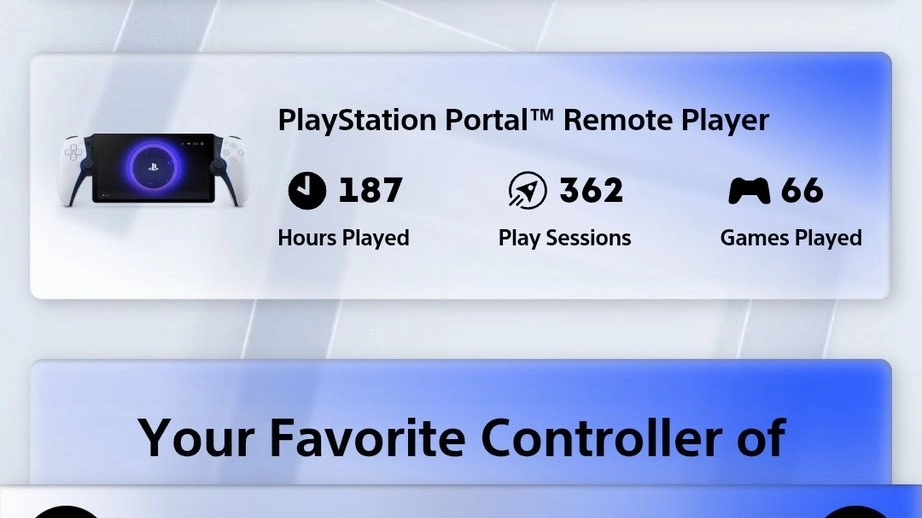
On 9 December, PlayStation announced its annual Wrap-Up experience was now live so players can find an overview of their gaming achievements, as well as 'insights around gameplay with accessories like PlayStation VR2, PlayStation Portal remote player, as well as your most used DualSense wireless controller design'.

How to find your PlayStation Wrap-Up
To access your Wrap-Up, all you need to do is head to the website wrapup.playstation.com.
It really is that simple, although there are a few stipulations as to who can access their roundup, with players needing to be 18 or older, and 'have played games on a PS4 or PS5 console for at least 10 hours between Jan. 1, 2025 and Dec. 31, 2025', according to PlayStation.
The Wrap-Up will only be available until 8 January, so don't waste too much time before checking, before the platform starts loading up all your data ready for next year's update.
Although this will be the ninth year PlayStation has done a Wrap-Up feature, a number of platforms have launched roundup features for the first time this year, including Discord and YouTube.
Discord is sharing data like how many messages you sent, who you hung out with most in voice, your most used emoji and which server you spend the most time in, as part of its 'Checkpoint' feature.
If you fancy taking a look at that too, all you need to do is log in to Discord and find a small pop up in the right hand corner of your window, which says 'Discord Checkpoint'.
You should then tap on that banner to view your recap. However, you can also click on the small flag icon on the top right of your screen and once you're in, you can use the Space button or Arrow button in the bottom right corner of the screen in order to go through your recap.
What's next? A chip that tells us how many hours we spent on the toilet or sitting on the couch watching tele?
Topics: Gaming, PlayStation, PlayStation 5, Sony
 Emma Rosemurgey