ladbible homepage
ladbible homepage
  • Home
  • News
    • UK
    • US
    • World
    • Ireland
    • Australia
    • Science
    • Crime
    • Weather
  • Entertainment
    • Celebrity
    • TV
    • Film
    • Music
    • Gaming
    • Netflix
    • Disney
  • Sport
  • Technology
  • Travel
  • Lifestyle
  • Money
  • Originals
    • FFS PRODUCTIONS
    • Say Maaate to a Mate
    • Daily Ladness
    • UOKM8?
    • FreeToBe
    • Citizen Reef
  • Videos
  • Advertise
  • Terms
  • Privacy & Cookies
  • License Our Content
  • About Us & Contact
  • Jobs
  • Latest
  • Archive
  • Topics A-Z
  • Authors
Facebook
Instagram
X
Threads
Snapchat
TikTok
YouTube
Submit Your Content Here
  • GAMINGbible
  • LADbible Group
  • UNILAD
  • SPORTbible
  • Tyla
  • FOODbible
  • UNILAD Tech
Expert reveals simple trick that gets an iPhone charging port working again
Home>News>Technology
Updated 17:33 12 Jul 2024 GMT+1Published 17:30 12 Jul 2024 GMT+1

Expert reveals simple trick that gets an iPhone charging port working again

He says you can do it at home instead of taking it in to repair

Anish Vij

Anish Vij

google discoverFollow us on Google Discover

Simply put - we cannot live without our smartphones.

Having a mini computer in your pocket that can do pretty much anything you want is extremely handy.

But nothing signifies the over reliance we have on our phones when they stop working.

It feels like the world is going to fall apart, especially when you are unable to charge your phone.

Advert
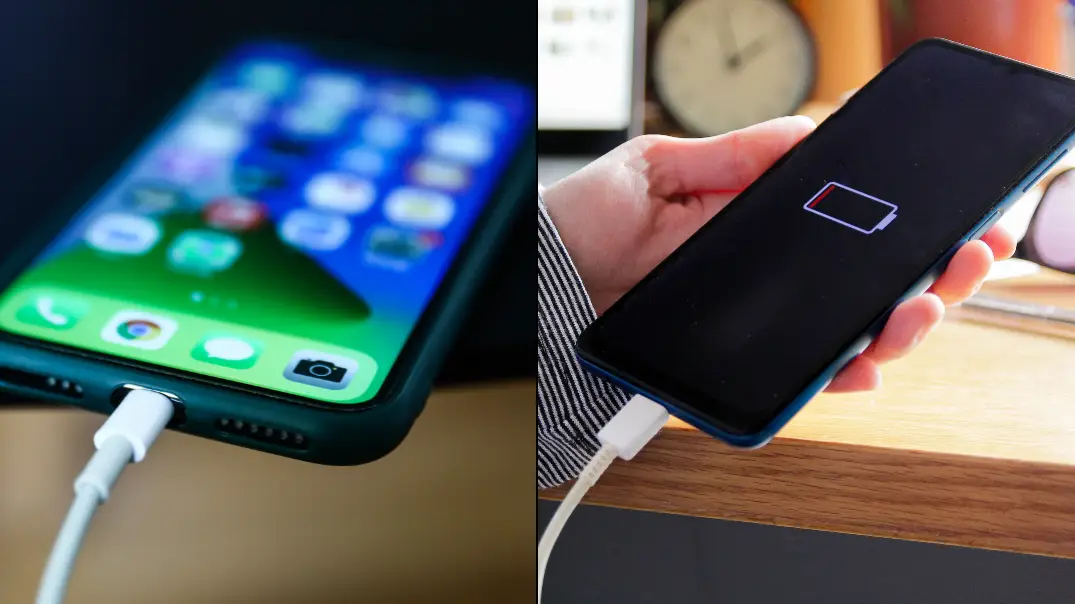
A tech expert has revealed how to fix your iPhone if it stops charging via the port. (Getty Stock Images)

Though there happens to be a really simple solution to fixing your iPhone if it does stop charging.

iPhone repair expert @idoctoruki has taken to TikTok to reveal just how many people come into his shop to enquire about the issue of their charging port.

"You guys really seem to like these charging port videos," he began the video.

"And I'm not lying when I say that this is our most common fault that we get in store.

"And realistically, it's such a good earner that we just can't turn it down.

"Even though we know that you could do it with a toothpick at home."

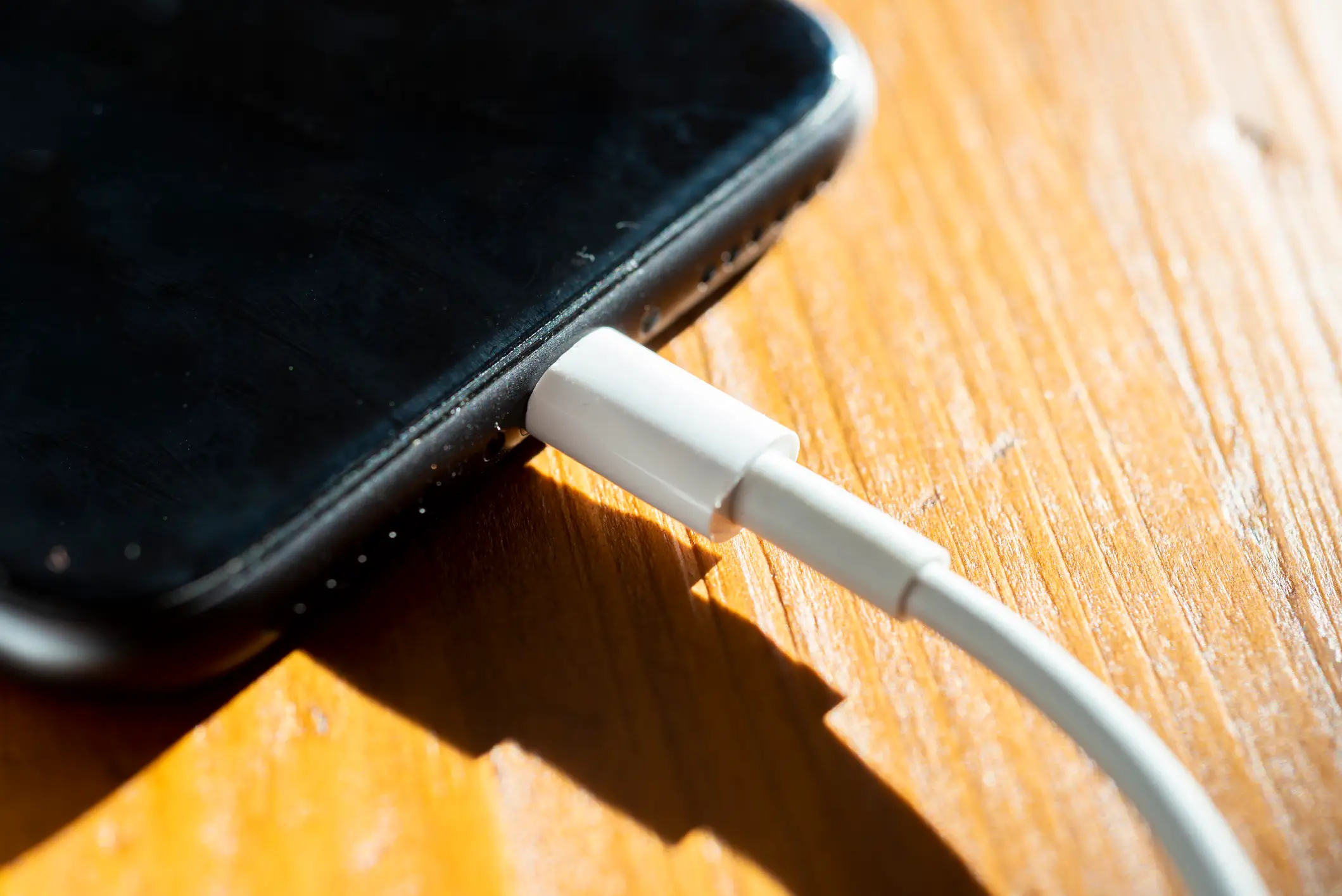
So just make sure the phone is turned off, grab a toothpick and scrape out all of the dirt.

That's it, apparently.

He then joked about charging '£500' for a repair so he can 'afford to go on holiday every other week'.

MagSafe is an alternative way to charge your iPhone if it's an iPhone 12 or newer. (Getty Stock Images)

"With that in mind, and do hear me out here, if we get 20 of these in a day, and I'll just charge a fiver, how am I going to pay the 'lecky bill' and afford to go on holiday every other week?" he added.

"Don't get me wrong, I do love seeing customers happy with a working phone.

"But I love me being happy more. So we like to think that we charge a fair price for this repair.

"Because ultimately, that's how you build a solid business."


Meanwhile, before taking it in for repair, Apple suggested that you should 'check your charging cable and USB adapter for signs of damage, like breakage or bent prongs'.

They explained on their support page: "Don't use damaged accessories.

"Use a wall power outlet and check for firm connections between your charging cable, USB wall adapter, and wall outlet or AC power cable, or try a different outlet.

"Remove any debris from the charging port on the bottom of your device, then firmly plug your charging cable into your device. If the charging port is damaged, your device probably needs service."

Apple said that 'if your device still won't power on or charge, take your device, charging cable, and charging adapter to an Apple Store or Apple Authorized Service Provider for evaluation. You can also contact Apple Support'.

LADbible has contacted Apple for comment.

Featured Image Credit: Jakub Porzycki/NurPhoto/Kinga Krzeminska/Getty Images

Topics: Apple, Social Media, Technology, TikTok, iPhone

Anish Vij
Anish Vij

Anish is a Journalist at LADbible Group and is a GG2 Young Journalist of the Year 2025. He has a Master's degree in Multimedia Journalism and a Bachelor's degree in International Business Management. Apart from that, his life revolves around the ‘Four F’s’ - family, friends, football and food. Email: [email protected]

X

@Anish_Vij

Recommended reads

Animal control shelter defend decision to behead 'friendly' dog in their custodyClayton County Animal ControlHuman biologist who predicted when people would die warns of signs that appear before serious illnessSuppliedVinicius Junior's facial procedure explainedInstagram/@virginiaTom Holland becomes first guest to throw up on Hot OnesYouTube/First We Feast

Advert

Choose your content:

12 mins ago
an hour ago
3 hours ago
  • Clayton County Animal Control
    12 mins ago

    Animal control shelter defend decision to behead 'friendly' dog in their custody

    Barney the pit bull had seriously injured two shelter workers shortly beforehand.

    News
  • Instagram/@virginia
    an hour ago

    Vinicius Junior's facial procedure explained

    He's undergone a cosmetic procedure known as chin harmonisation

    News
  • Chanakarn LAOSARAKHAM/AFP via Getty Images
    3 hours ago

    Tyson Fury comeback fight will be under complete live TV blackout today

    Boxing aficionados will know it's not worth a watch anyway...

    News
  • Wiktor Szymanowicz/Future Publishing via Getty Images
    3 hours ago

    Chris Brown pleads guilty to affray after altercation at London nightclub

    The incident took place in Mayfair in 2023

    News

    breaking

  • Tech expert shares three iPhone settings secretly draining your battery and how to change them
  • Apple makes major charging claim as iPhone 17 officially goes on sale this week
  • Apple reveals never-before-seen iPhone model that is ‘thinnest ever’
  • Startling truth behind little green and orange dot that appears on your iPhone