ladbible homepage
ladbible homepage
  • iconNews
  • videos
  • entertainment
  • Home
  • News
    • UK
    • US
    • World
    • Ireland
    • Australia
    • Science
    • Crime
    • Weather
  • Entertainment
    • Celebrity
    • TV
    • Film
    • Music
    • Gaming
    • Netflix
    • Disney
  • Sport
  • Technology
  • Travel
  • Lifestyle
  • Money
  • Originals
    • FFS PRODUCTIONS
    • Say Maaate to a Mate
    • Daily Ladness
    • UOKM8?
    • FreeToBe
    • Citizen Reef
  • Advertise
  • Terms
  • Privacy & Cookies
  • License Our Content
  • About Us & Contact
  • Jobs
  • Latest
  • Archive
  • Topics A-Z
  • Authors
Facebook
Instagram
X
Threads
Snapchat
TikTok
YouTube
Submit Your Content Here
  • SPORTbible
  • Tyla
  • GAMINGbible
  • LADbible Group
  • UNILAD
  • FOODbible
  • UNILAD Tech
iPhone users warned over hidden ‘vampire’ setting that drains your battery

Home> News> Technology

Updated 13:38 22 Jan 2024 GMTPublished 13:39 22 Jan 2024 GMT

iPhone users warned over hidden ‘vampire’ setting that drains your battery

Getting rid of this battery-guzzling setting could save you a lot of battery life

Olivia Burke

Olivia Burke

google discoverFollow us on Google Discover

It seems that no matter how long our phones spend plugged into the socket, we never have enough battery.

Nowadays, loads of people are forced to trudge around with a portable charger to stop their device from dying while out and about.

iPhone users are all too familiar with this kind of thing, but it turns out there might be an unsuspecting culprit behind your constantly draining battery.

Advert

There is a so-called 'vampire setting' which could be sucking the life out of your Apple device without you having any idea.

Switching it off could save you a significant amount of juice - meaning the dreaded black screen signifying your phone's temporary death could be a distant memory soon.

But what is the pesky feature that is bleeding your battery dry?

Well, it's actually quite a handy tool which helps to maintain your internet connection when you're out and about, known as 'Wi-Fi Assist'.

Although it's meant to boost your signal, it might be proving more of a hindrance than a help.

Wi-Fi Assist essentially fills in the gaps when your wireless internet connection gets a bit slow and begins to lag, ensuring iPhone users can enjoy a smooth web surfing session wherever you are.
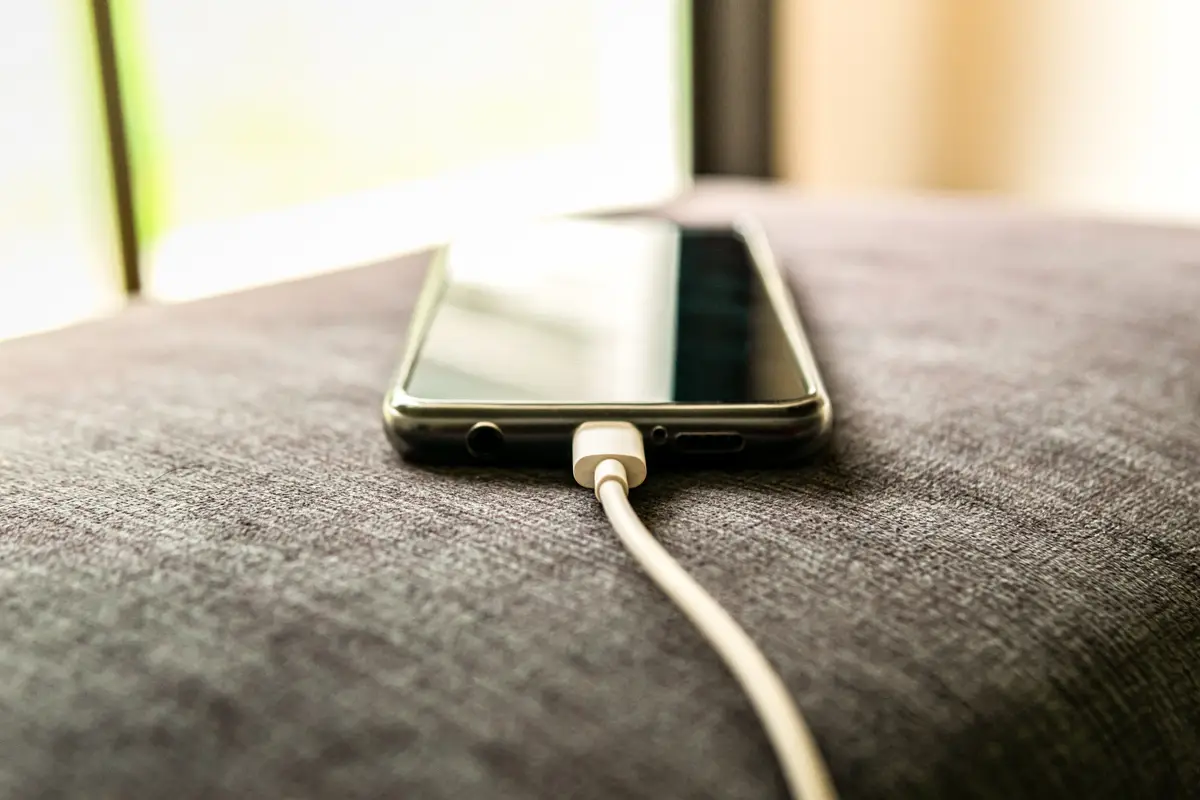
Turning off Wi-Fi Assist could save you a large chunk of your battery life.
Getty Stock Image

Apple's website states: "For example, if you're using Safari with a poor Wi-Fi connection and a webpage doesn't load, Wi-Fi Assist will activate and automatically switch to cellular so that the webpage continues to load."

This is undoubtedly a useful feature - as let's have it right, watching a video buffer or a screen struggle to load for an eternity is torturous.

But the downside is, it significantly impacts your phone's battery life and data usage.

There is some good news though, so don't fret just yet.

Fortunately, there is a way to switch off Wi-Fi Assist if you want to prolong your phone's battery.

Of course, the trade off is that if your Wi-Fi gets patchy then you'll just have to deal with it - but you can't have it all.

Not only that, but Wi-Fi Assist can also sneakily use up a large proportion of your precious data when you think you're safely on a Wi-Fi network, so you'll probably notice your usage dwindle when you get rid of the 'vampire setting'.
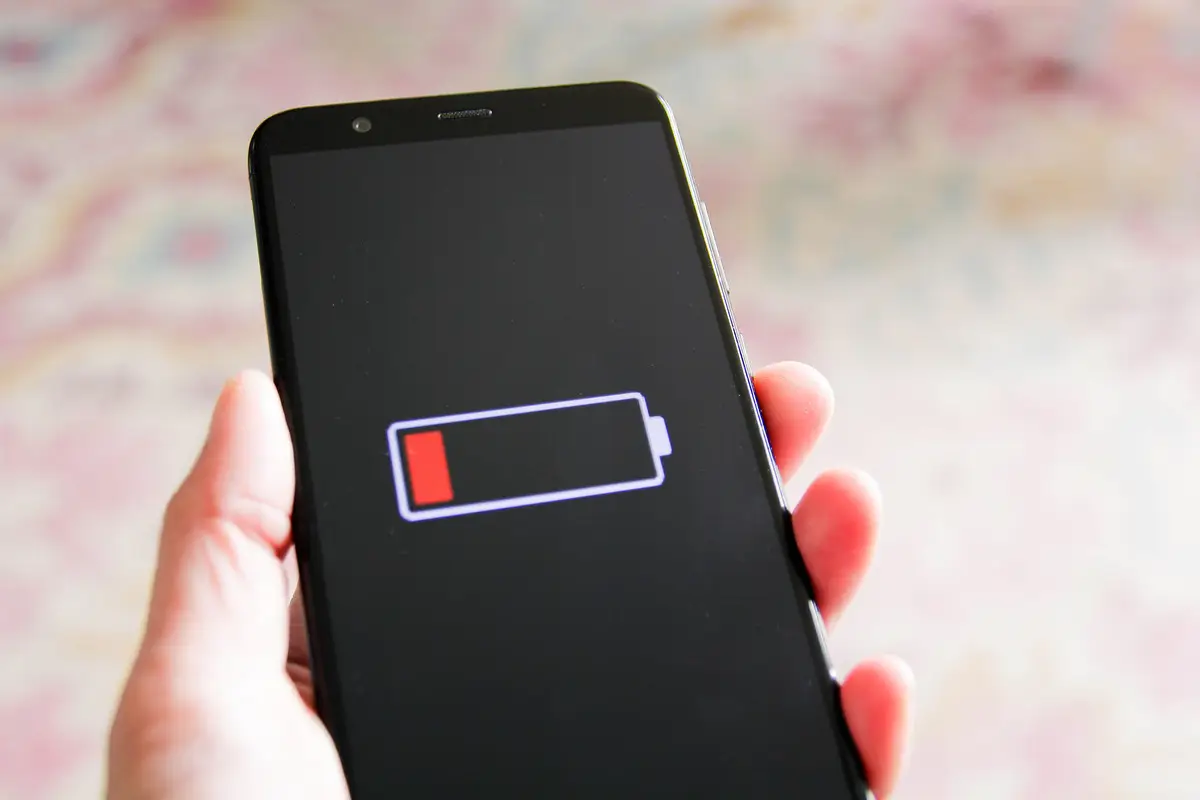
iPhone users will also see a drop in their data usage after getting rid of the 'vampire setting'.
Getty Stock Image

Firstly, you need to go into the main Settings app on your iPhone, where all the important bits are.

From there go into the tab marked 'Mobile Data'. Once you're there, scroll down on the page. You may have to scroll all the way down past the apps which are using data.

You should then see the switch saying 'Wi-Fi Assist'. You can then turn that off.

Bear in mind that this could mean you experience a bit more lag when your Wi-Fi has an interrupted connection. However, it will help to make your phone's battery last longer.

Not only that, but Wi-Fi Assist can also sneakily use up a large proportion of your precious data when you think you're safely on a Wi-Fi network. Turning it off can help you to use less of your data plan as when you're on Wi-Fi it won't sneakily switch on.

The more you know, eh?

Featured Image Credit: Getty Stock Images

Topics: Apple, Technology, iPhone, Hacks

Olivia Burke
Olivia Burke

Olivia is a journalist at LADbible Group with more than five years of experience and has worked for a number of top publishers, including News UK. She also enjoys writing food reviews (as well as the eating part). She is a stereotypical reality TV addict, but still finds time for a serious documentary.

X

@livburke_

Recommended reads

Teenager arrested after Peter Kay gig is evacuated over 'suspicious bag'Jim Dyson/Getty ImagesMiami Grand Prix’s fake marina now comes with a $95,000 add-on after ‘first of its kind’ upgradeMSC CruisesToy Story fans stunned after learning how old Woody and Bo Peep are in new moviePixarBillie Eilish responded after losing 100,000 Instagram followers in one hourInstagram/billieeilish

Advert

Choose your content:

2 hours ago
3 hours ago
6 hours ago
  • Jim Dyson/Getty Images
    2 hours ago

    Teenager arrested after Peter Kay gig is evacuated over 'suspicious bag'

    Peter Kay's concert at the Utilita Arena in Birmingham was evacuated, with thousands of fans forced to leave the venue

    News

    breaking

  • MSC Cruises
    3 hours ago

    Miami Grand Prix’s fake marina now comes with a $95,000 add-on after ‘first of its kind’ upgrade

    Formula 1 fans are set to be wowed this weekend

    News
  • YouTube/Propublica
    6 hours ago

    Woman forced into court hearing during labour for refusing C-section speaks out

    The mum has opened up about how exactly she felt during the moment she realised she was in a live court hearing while in labour

    News
  • PA Wire
    6 hours ago

    New twist in billionaire Bayesian yacht tragedy as investigators say it 'was not caused by storm'

    Seven people, including tech tycoon Mike Lynch and his teen daughter, died when the £30million vessel capsized

    News
  • iPhone users seriously disappointed as update causes ‘horrendous’ battery drain
  • iPhone users warned about hidden ‘vampire bills’ that could be draining your bank account
  • Fool-proof iPhone setting that makes battery 'unlimited'
  • iPhone users issued warning as UK temperatures plummet